

Contactless Connect

How Much Personal Information Should You Share on Social Media? Risks and Privacy Tips
- June 4, 2026 June 4, 2026 , Pete
- Passwords & security
Top posts
- Strong Passwords That Are Easy to Remember (and a Safer Alternative)
- Strong Password Examples That Are Actually Secure in 2026
- Is It Safe to Share Sensitive Data with AI Tools? Risks & Protection Tips
- Password Security in 2026: What Actually Keeps Your Accounts Safe
- Was your email found on the dark web? Don’t panic. Here’s what you need to do
Can AI Hack Your Passwords? What It Can and Can’t Actually Do
- May 28, 2026 May 28, 2026 by Pete
- Passwords & security
How to Spot Phishing Websites and Avoid Online Scams
- May 20, 2026 May 20, 2026 by Pete
- Passwords & security
Are Passkeys Replacing Password Managers? Here’s What’s Actually Happening
- May 13, 2026 May 13, 2026 by Pete
- Passwords & security
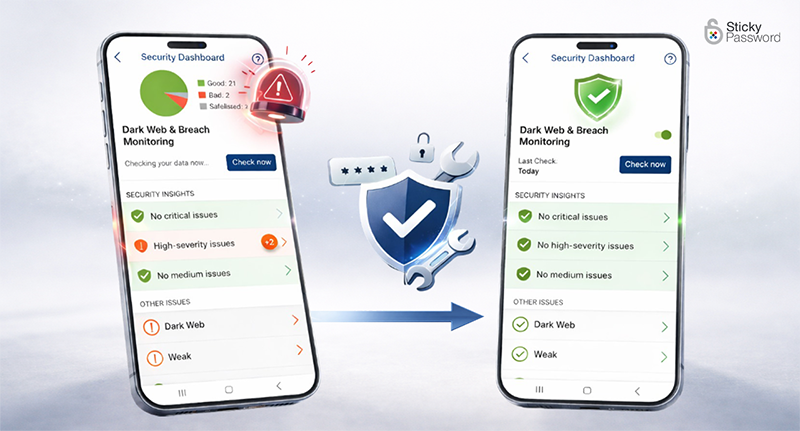
Password Compromised? What to Do Immediately (Step-by-Step Guide)
- April 29, 2026 April 29, 2026 by Pete
- Passwords & security
Using the Same Password Across Accounts? Here’s the Risk and How to Stay Safe
- April 22, 2026 April 22, 2026 by Pete
- Passwords & security
Forgot Your Password Again? How to Fix It and Recover It Fast
- April 15, 2026 April 22, 2026 by Julie Ladaniuk
- Passwords & security

Are Password Managers Safe? The Truth About Security and Risks
- April 8, 2026 April 8, 2026 by Julie Ladaniuk
- Passwords & security
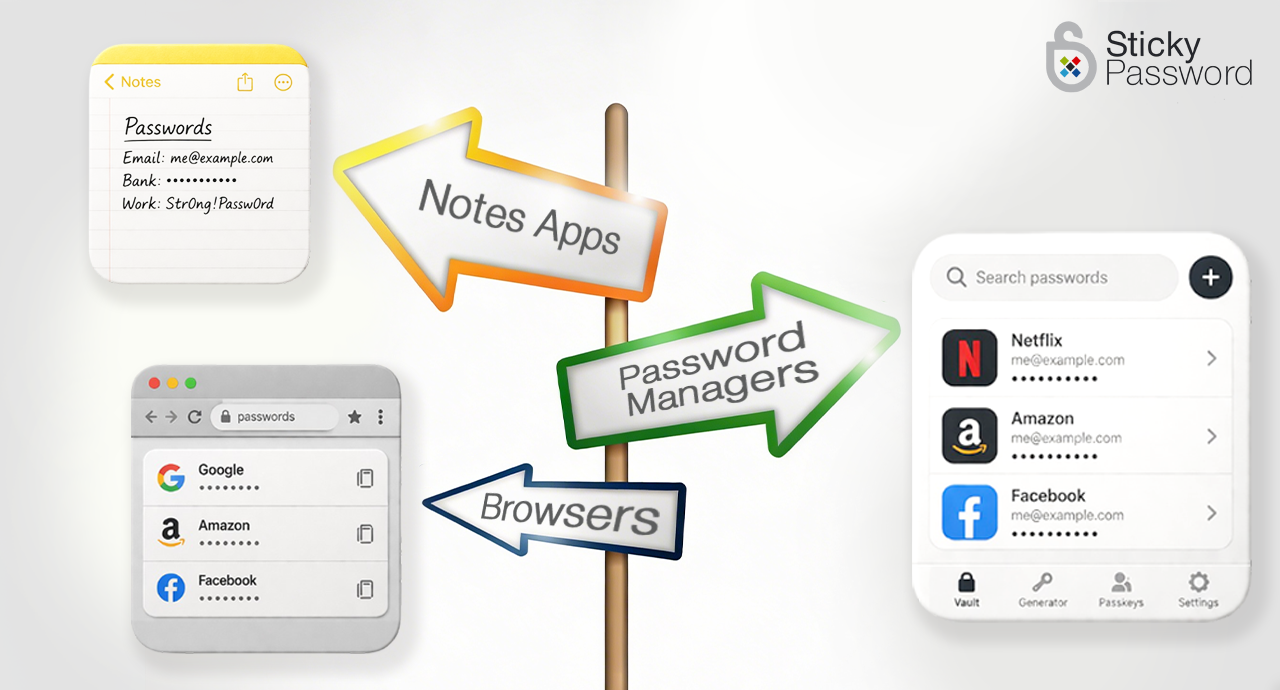
What Is the Best Way to Store Passwords: Notes, Browsers, or Password Managers?
- April 1, 2026 April 1, 2026 by Pete
- Passwords & security

Have I Been Pwned? Why Checking for Data Breaches Isn’t Enough
- March 25, 2026 April 8, 2026 by Pete
- Passwords & security
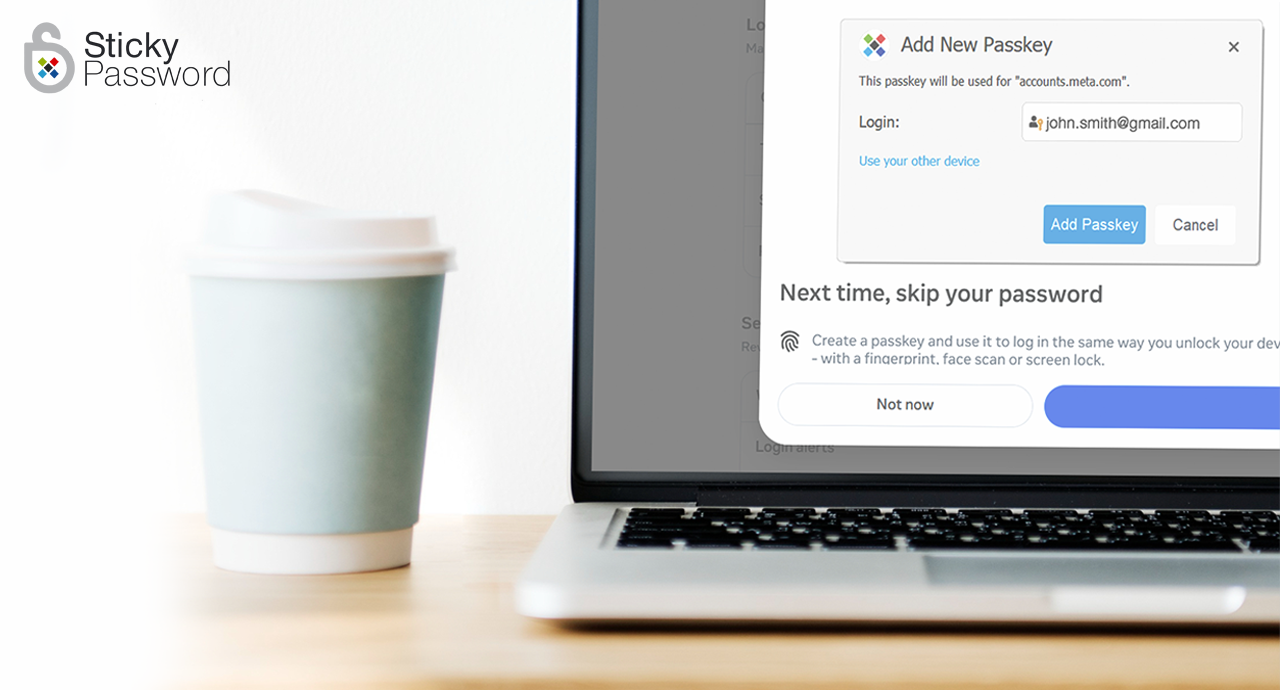
Are Passkeys Safe? Security Risks, Benefits & What You Should Know
- March 20, 2026 March 23, 2026 by Pete
- Passwords & security
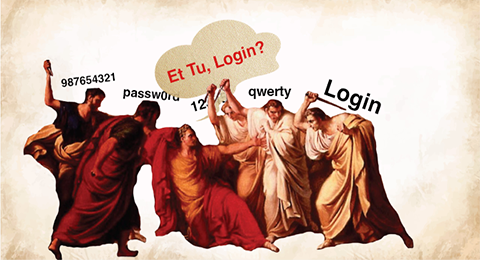
Beware the Ides of March: Common Cybersecurity Threats and How to Avoid Them
- March 11, 2026 March 11, 2026 by Pete
- Passwords & security
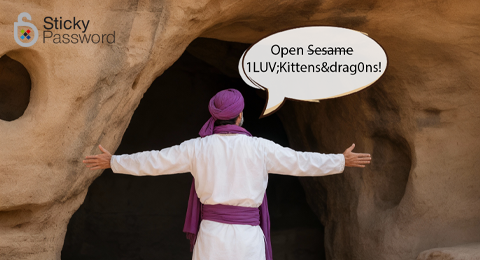
5 Common Password Mistakes in 2026 (and the Fixes That Actually Work)
- February 25, 2026 March 25, 2026 by Pete
- Passwords & security
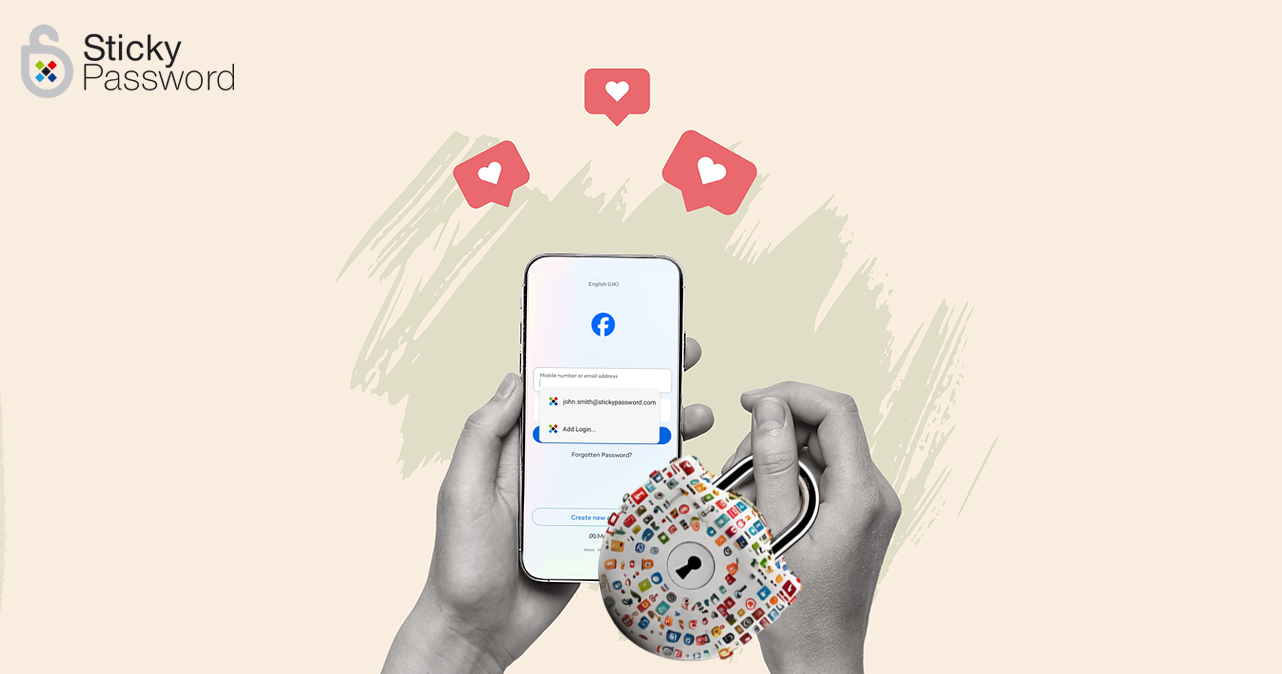
How to Keep Your Relationship Private on Social Media: 2026 Privacy Tips
- February 9, 2026 February 10, 2026 by Pete
- Passwords & security
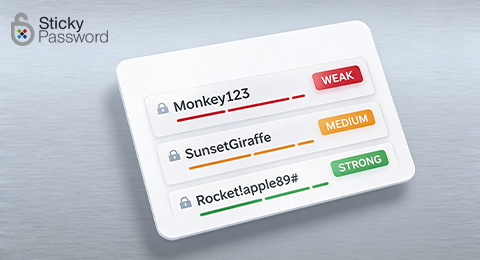
Strong Passwords That Are Easy to Remember (and a Safer Alternative)
- February 3, 2026 February 9, 2026 by Pete
- Passwords & security

How Poor Password Hygiene Increases Your Digital Trace (And What to Do About It)
- January 28, 2026 January 28, 2026 by Pete
- Passwords & security
Strong Password Examples That Are Actually Secure in 2026
- January 22, 2026 March 25, 2026 by Pete
- Passwords & security

Is It Safe to Share Sensitive Data with AI Tools? Risks & Protection Tips
- January 14, 2026 March 25, 2026 by Pete
- Passwords & security
Password Security in 2026: What Actually Keeps Your Accounts Safe
- January 8, 2026 March 25, 2026 by Pete
- Passwords & security

Teaching Kids Digital Responsibility and Online Safety Through Critical Thinking
- December 17, 2025 December 17, 2025 by Sticky Password
- Passwords & security
What Are Passkeys? A Simple Guide to Passwordless Login
- December 11, 2025 March 25, 2026 by Pete
- Passwords & security

Thankful for Privacy: Why Digital Privacy Still Matters in 2025
- November 26, 2025 November 26, 2025 by Pete
- Passwords & security
Black Friday Shopping Frenzy: 5 Cybersecurity Tips
- November 25, 2025 December 1, 2025 by Pete
- Passwords & security
Passkeys, Biometrics & the Future of Authentication: Are Passwords Dead?
- November 12, 2025 November 12, 2025 by Pete
- Passwords & security
How to Tell If Your Data Has Been Leaked (and What to Do Next)
- October 8, 2025 October 15, 2025 by Pete
- Passwords & security
Cybersecurity Awareness Month 2025: Real Tips for Real People
- September 24, 2025 October 23, 2025 by Pete
- Passwords & security

Back-to-School Cybersecurity 2025/2026: The Basics — Age by Age
- September 17, 2025 October 23, 2025 by Pete
- Passwords & security

How to Take Control of App Permissions
- September 10, 2025 September 17, 2025 by Sticky Password
- Passwords & security
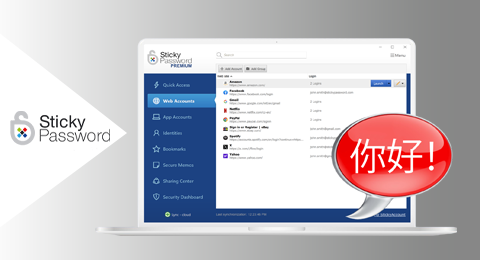
Sticky Password Adds Support for Simplified Chinese
- September 3, 2025 September 5, 2025 by Sticky Password
- News

Sticky Password and the DOM Clickjacking Vulnerability
- August 22, 2025 August 25, 2025 by Sticky Password
- Passwords & security
Dashlane Ends Its Free Plan — Here’s Your Long-Term Alternative
- August 20, 2025 August 20, 2025 by Pete
- Passwords & security
App Permissions on Your Phone: What Apps Can Really Access (and Why It Matters)
- August 13, 2025 March 25, 2026 by Sticky Password
- Passwords & security

Digital Stranger Danger: Online Safety Tips for Parents and Children
- August 6, 2025 November 7, 2025 by Julie Ladaniuk
- Passwords & security

Building Digital Trust: Why Data Security is Critical for Nonprofits Accepting Tap-to-Donate Payments
- July 11, 2025 July 11, 2025 by Sticky Password
- Passwords & security

Info-stealer protection with Sticky Password
- June 25, 2025 June 25, 2025 by Sticky Password
- Passwords & security

AI in Cybersecurity: Key Benefits, Defense Strategies, & Future Trends
- June 11, 2025 September 5, 2025 by Sticky Password
- Passwords & security
Sticky Password Introduces Breach Monitoring to Strengthen Dark Web Protection
- June 4, 2025 June 5, 2025 by Pete
- News
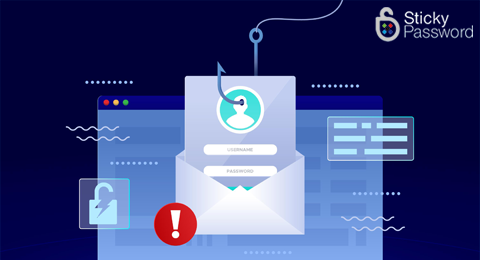
Was your email found on the dark web? Don’t panic. Here’s what you need to do
- May 20, 2025 July 23, 2025 by Pete
- Passwords & security

How to Build a Secure Digital Life While Starting Your Online Career
- May 6, 2025 May 6, 2025 by Guest Author
- Passwords & security

Securely Log In to Your Hyperbeam Watch Parties with Contactless Connect
- April 22, 2025 April 29, 2025 by Sticky Password
- Passwords & security

Securely host Watch Parties anywhere with Contactless Connect
- April 16, 2025 April 22, 2025 by Sticky Password
- Passwords & security

Screen Time and Kids: How to Set Limits Without the Power Struggles
- March 26, 2025 March 28, 2025 by Julie Ladaniuk
- Passwords & security

More Than Just Passwords: The Sticky Password Partner Opportunity
- March 2, 2025 March 4, 2025 by Sticky Password
- Passwords & security

Beyond "Nothing to Hide": The Truth About Internet Privacy and Personal Data Security
- February 26, 2025 February 10, 2026 by Pete
- Passwords & security

6 Tips for Conducting Effective Cyber Attack Simulations
- February 19, 2025 February 19, 2025 by Guest Author
- Passwords & security
6 Easy Hacks for Simplifying Password Management and Staying Secure
- January 29, 2025 January 29, 2025 by Guest Author
- Passwords & security

Introducing Contactless Connect: Secure and Convenient QR Code Login
- January 22, 2025 January 22, 2025 by Pete
- Passwords & security
6 Steps to Crafting a Robust Data Breach Response Plan
- January 15, 2025 January 17, 2025 by Guest Author
- Passwords & security
Exciting Updates for Our Dark Web Monitoring Service
- December 16, 2024 December 16, 2024 by Pete
- Passwords & security
How QWERTY Stole Christmas: 4+ safety tips for holiday online shopping
- December 4, 2024 December 4, 2024 by Pete
- Passwords & security

Reasons Every Remote Worker Should Have a Trustworthy Password Manager
- November 15, 2024 September 8, 2025 by Guest Author
- Passwords & security
Staying Secure Online Beyond Cybersecurity Awareness Month
- November 6, 2024 November 6, 2024 by Pete
- Passwords & security
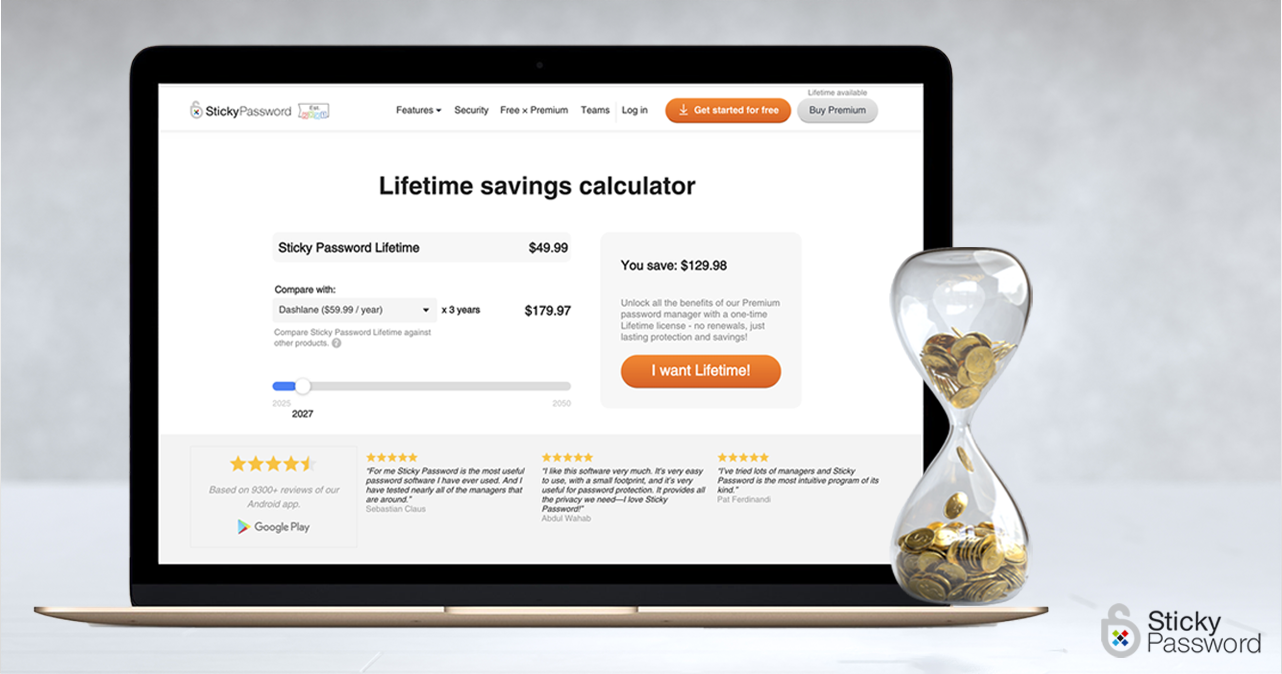
Discover the real savings of Sticky Password’s Lifetime license with our new calculator!
- October 22, 2024 October 23, 2024 by Sticky Password
- Passwords & security

How I Got Hacked and How Sticky Password Saved the Day
- October 15, 2024 October 16, 2024 by Sticky Password
- Passwords & security
Cybersecurity Awareness Month: Taking Control of Your Digital Safety
- September 30, 2024 October 2, 2024 by Pete
- Passwords & security
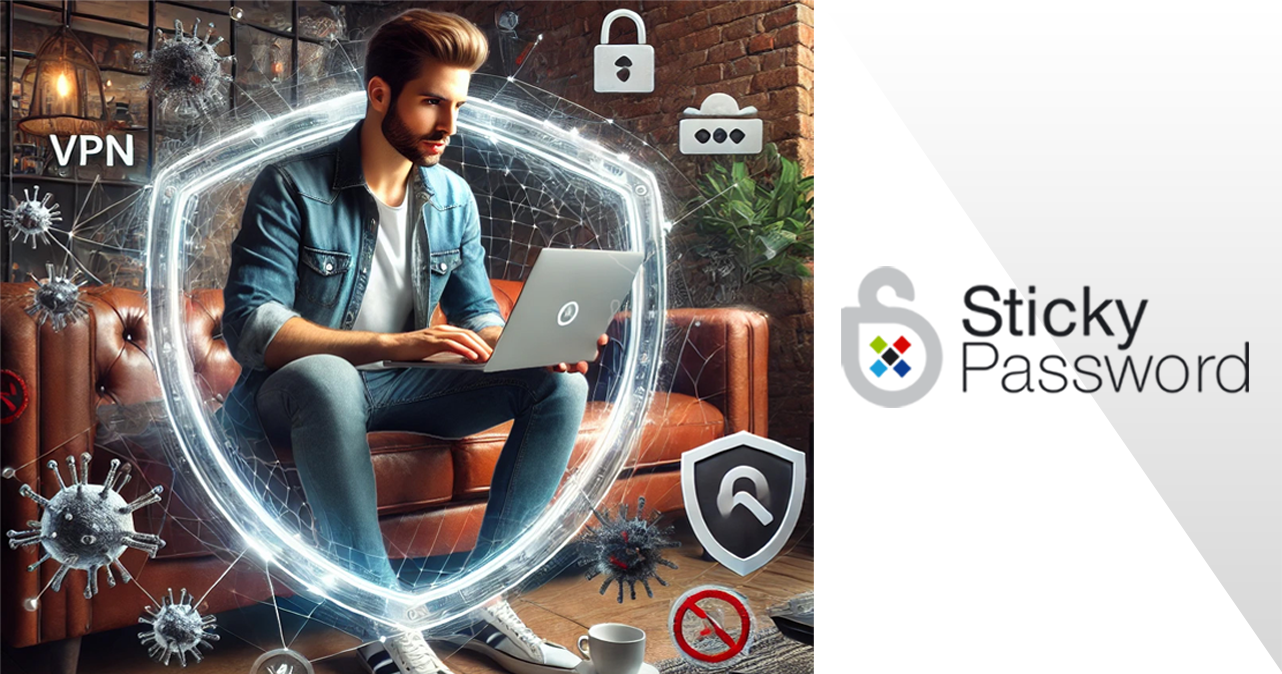
Two Layers of Protection: How a VPN and Password Manager Work Together
- September 18, 2024 September 18, 2024 by Pete
- Passwords & security

4 tips on how to ensure your Gen Alpha child's online security
- September 4, 2024 March 28, 2025 by Julie Ladaniuk
- Passwords & security
Sticky Password boosts your security in Tor Browser and DuckDuckGo to the highest level
- June 11, 2024 December 3, 2024 by Sticky Password
- Passwords & security
Sticky Password named one of the leading password management tools 2024 by Tekpon
- May 22, 2024 May 30, 2024 by Sticky Password
- Passwords & security
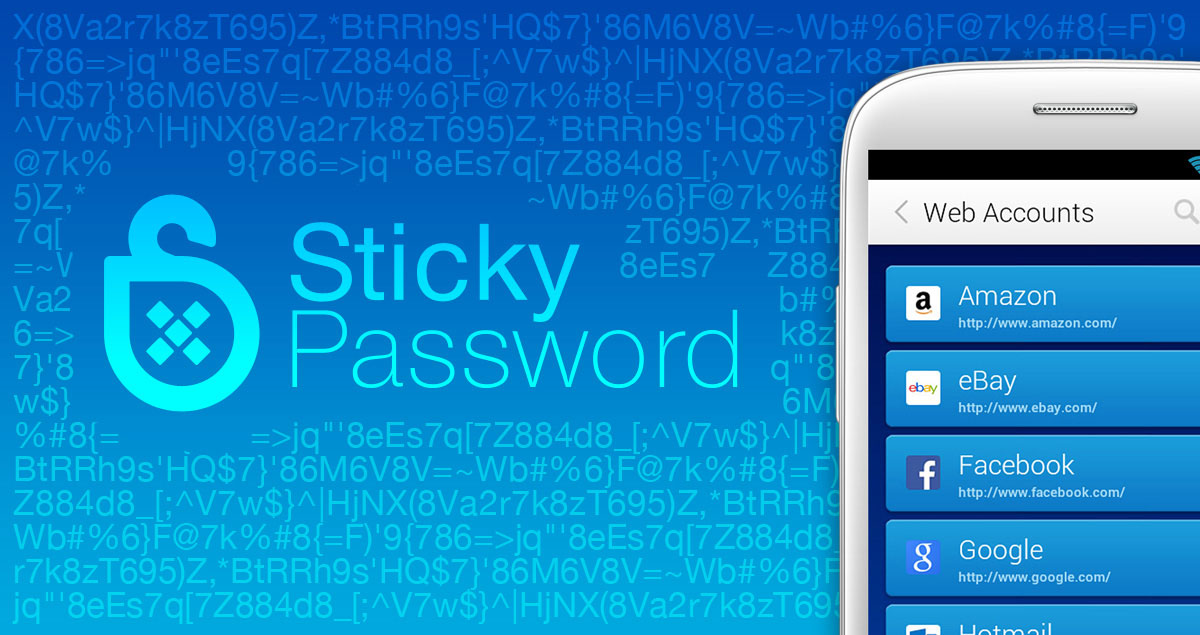
Chatting with SafetyDetectives about Password Management
- February 20, 2024 February 20, 2024 by Sticky Password
- Passwords & security
How to Prepare Your Digital Life Legacy
- December 14, 2023 April 11, 2024 by Sticky Password
- Passwords & security

Are you a victim in the dark web's 'password for sale' market?
- December 11, 2022 December 12, 2025 by Guest Author
- Passwords & security
Dark web monitoring: how to defend yourself in 2023
- December 2, 2022 December 12, 2025 by Guest Author
- Passwords & security
How To Stay Safe While Surfing the Internet
- April 22, 2022 June 24, 2025 by Guest Author
- Passwords & security

5 Tips To Keep Your Kids Safe On the Net This Summer
- July 27, 2021 December 12, 2025 by Guest Author
- Passwords & security
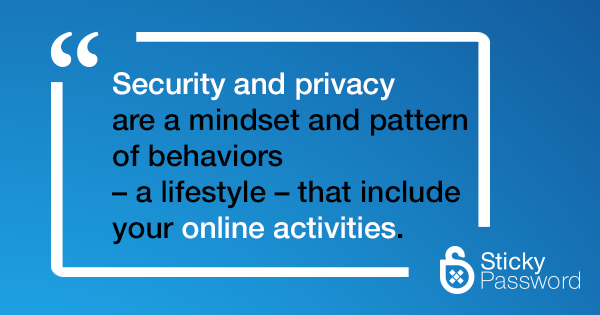
Security and privacy are a lifestyle
- March 17, 2021 March 18, 2021 by Sticky Password
- Passwords & security
A chat with App of the Day
- February 17, 2021 February 17, 2021 by Sticky Password
- Passwords & security

How to shake off ad trackers this festive season
- November 4, 2019 November 11, 2019 by Guest Author
- Passwords & security
Seven Tips for Preventing Online Identity Theft
- October 25, 2019 February 23, 2023 by Guest Author
- Passwords & security
Password security: what everyone with online accounts should know
- April 28, 2019 April 7, 2025 by Guest Author
- Passwords & security
Cyber security threats to watch out for
- April 5, 2019 April 7, 2025 by Guest Author
- Passwords & security

Report identifies potential security flaws in some password managers. Sticky Password explains the issue.
- March 1, 2019 April 7, 2025 by Sticky Password
- Passwords & security
Data Privacy Day is a reminder to be #PrivacyAware
- January 28, 2019 March 21, 2023 by Pete
- Passwords & security

Sticky Password partners with Ivacy VPN
- December 28, 2018 December 28, 2018 by Pete
- Passwords & security
Going deep: Sticky Password in the hosting blog
- February 9, 2018 November 29, 2018 by Sticky Password
- Passwords & security
Sticky Password joins the NCSA to support Data Privacy Day
- January 23, 2018 November 29, 2018 by Sticky Password
- News

Holiday shopping: online safety and security awareness
- December 14, 2017 November 29, 2018 by Sticky Password
- Passwords & security
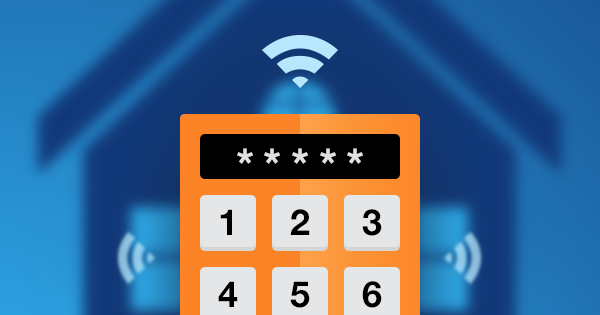
Protecting your castle: home automation and password security
- September 29, 2017 November 29, 2018 by Guest Author
- Passwords & security
Sticky Password becomes National Cyber Security Awareness Month 2017 champion
- September 28, 2017 November 29, 2018 by Sticky Password
- News
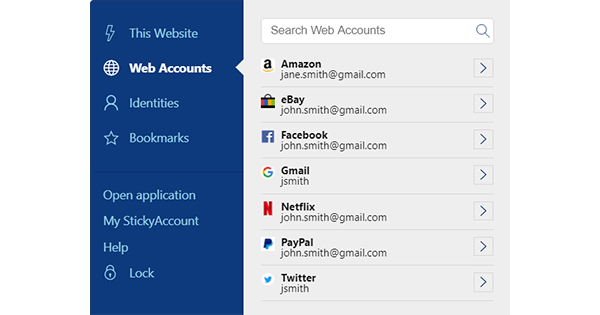
Introducing Sticky Password’s new browser extension menu
- August 10, 2017 November 29, 2018 by Sticky Password
- News
Sticky Password continues support for manatees
- April 21, 2017 November 29, 2018 by Sticky Password
- News
Sticky Password and ESET team up on password management solution
- March 21, 2017 November 29, 2018 by Sticky Password
- News
We are supporting partners of QuBit conference 2017!
- February 20, 2017 July 24, 2018 by Sticky Password
- News
Sticky Password signs on as NCSA Data Privacy Day Champion
- January 25, 2017 November 29, 2018 by Sticky Password
- News
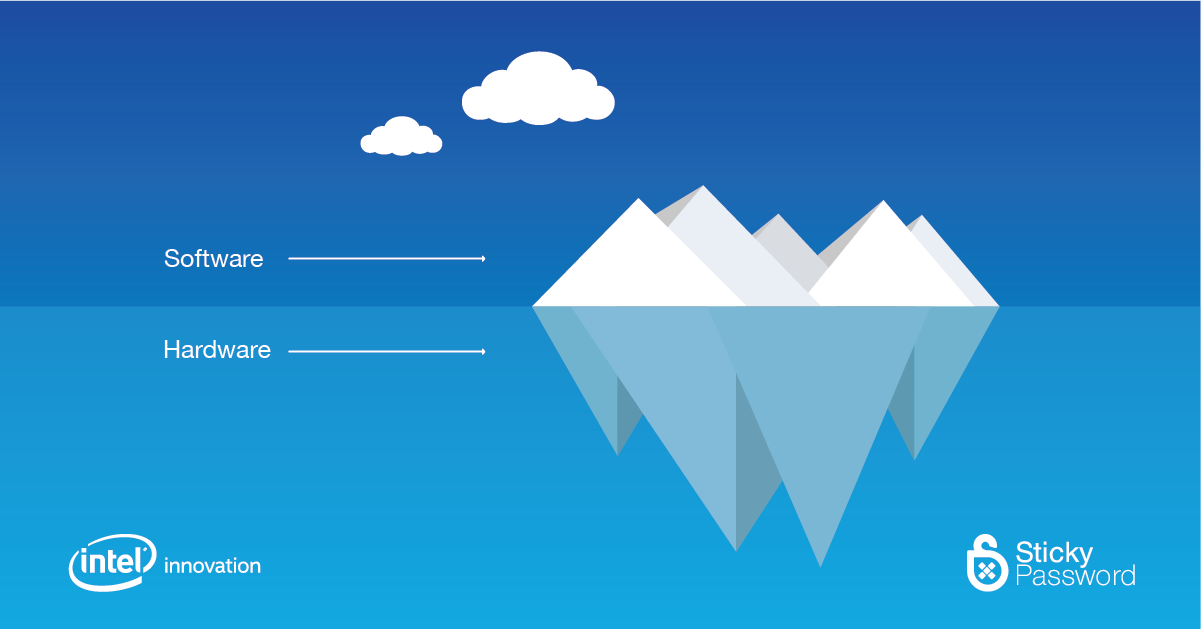
Sticky Password and Intel work together to bring next generation security to password management
- January 3, 2017 November 29, 2018 by Sticky Password
- News
Sticky Password leverages Intel technology for boosted protection on PCs
- January 3, 2017 November 29, 2018 by Sticky Password
- Passwords & security
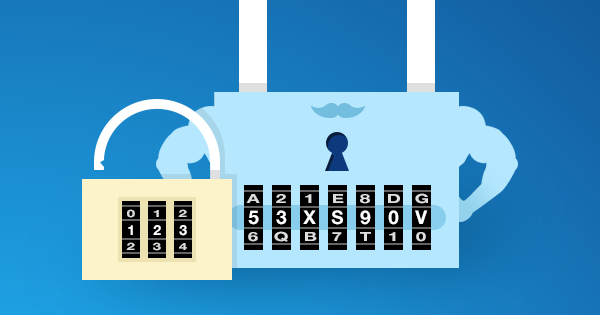
Passwords and luggage locks – how much protection?
- November 18, 2016 December 6, 2024 by Pete
- Passwords & security

Is your approach to passwords cultural?
- November 11, 2016 December 6, 2024 by Pete
- Passwords & security
Who are your passwords protecting you against?
- November 3, 2016 November 29, 2018 by Pete
- Passwords & security
Solving the internet of things security puzzle
- October 28, 2016 June 12, 2025 by Pete
- Passwords & security
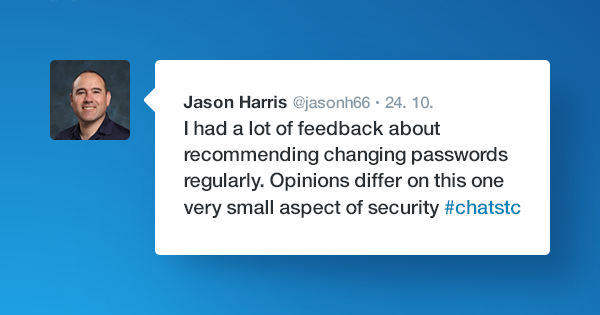
Changing your passwords: clearing up the confusion
- October 27, 2016 December 6, 2024 by Pete
- Passwords & security
The importance of protecting your identity
- October 26, 2016 November 29, 2018 by Guest Author
- Passwords & security
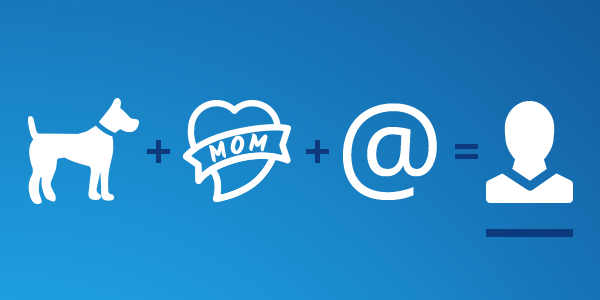
Privacy, security and cybercrime awareness
- October 22, 2016 November 29, 2018 by Pete
- Passwords & security
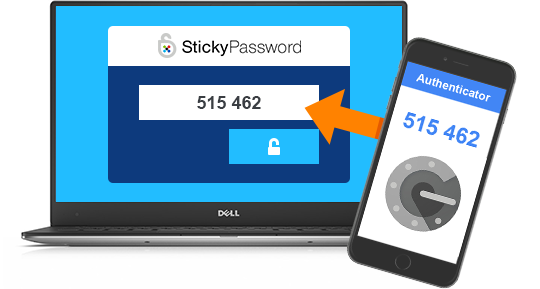
Sticky Password adds two-factor authentication to further protect users passwords
- October 11, 2016 November 29, 2018 by Sticky Password
- News
Your child’s security is a team sport
- September 29, 2016 November 29, 2018 by Pete
- Passwords & security
The security risks of using ‘forgot my password’ to manage passwords
- September 15, 2016 November 29, 2018 by Pete
- Passwords & security
Security and passwords aren’t a technical IQ test (Audio)
- September 1, 2016 July 24, 2018 by Pete
- Passwords & security

Passwords, online security and multitasking
- August 25, 2016 November 29, 2018 by Pete
- Passwords & security

Multi-factor authentication and Office 365
- August 4, 2016 November 29, 2018 by Guest Author
- Passwords & security
Is every site and online account worth a strong password?
- July 21, 2016 December 9, 2024 by Pete
- Passwords & security

Unplugging the dangers of digital distraction – #ChatSTC
- July 14, 2016 November 29, 2018 by Pete
- Passwords & security
Don’t call it password sharing, because it’s not
- July 7, 2016 July 24, 2018 by Pete
- Passwords & security
The shortcut to online security, strong passwords &privacy
- June 30, 2016 December 9, 2024 by Pete
- Passwords & security
Bad password policies lead to bad passwords (video)
- June 23, 2016 December 6, 2024 by Pete
- Passwords & security

4 easy things you can do that will keep you safe online
- June 16, 2016 December 9, 2024 by Pete
- Passwords & security
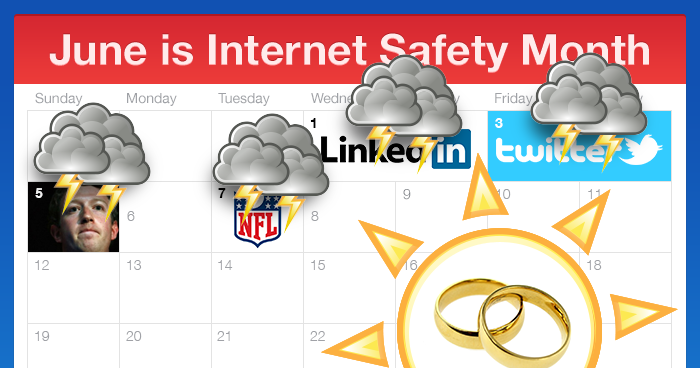
Will you open when a stranger knocks? #SocialEngineering
- May 26, 2016 July 24, 2018 by Pete
- Passwords & security

Why are so many people still using bad passwords?
- May 12, 2016 November 29, 2018 by Pete
- Passwords & security
World Password Day 2-Factor Authentication (2FA) #ChatSTC
- May 5, 2016 May 15, 2018 by Pete
- Passwords & security

That’s not a password. THAT’s a password! #ChatSTC
- April 7, 2016 December 6, 2024 by Pete
- Passwords & security


Initiating THE talk with…parents #ChatSTC
- March 3, 2016 December 18, 2024 by Pete
- Passwords & security

Stay safe when using public Wi-Fi
- February 25, 2016 November 29, 2018 by Guest Author
- Passwords & security
Securing your router keeps the entire internet safer
- February 8, 2016 November 29, 2018 by Guest Author
- Passwords & security
Data privacy vs. I have nothing to hide
- January 28, 2016 November 29, 2018 by Pete
- Passwords & security
![How online predators threaten our children [infographic]](https://www.stickypassword.com/pictures/BLOG/resources/3114/en/sp_predators-Jan-21.png)
How online predators threaten our children [infographic]
- January 21, 2016 November 29, 2018 by Guest Author
- Passwords & security

Cloud-based parental control software – save 25%
- November 27, 2015 July 24, 2018 by Guest Author
- Passwords & security
This magic moment: reflections on cybersecurity
- October 27, 2015 November 29, 2018 by Guest Author
- Passwords & security
It really is about who you know
- October 26, 2015 November 29, 2018 by Guest Author
- Passwords & security
You Know That Funny Feeling You Get When You’re Being Stared At?
- October 23, 2015 November 29, 2018 by Guest Author
- Passwords & security
Protect your information in any format
- October 21, 2015 November 29, 2018 by Guest Author
- Passwords & security
Encrypted email: the privacy alternative to Gmail #CyberAware
- October 20, 2015 November 29, 2018 by Guest Author
- Passwords & security
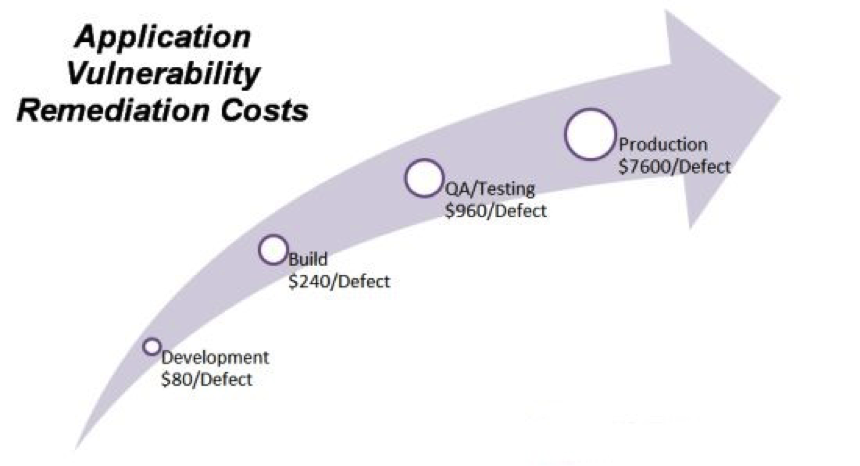
Static code analysis – a developer’s best friend
- October 19, 2015 November 29, 2018 by Guest Author
- Passwords & security
Teaching kids about passwords
- October 16, 2015 October 13, 2025 by Guest Author
- Passwords & security
Social media sign in: risk or reward?
- October 14, 2015 July 24, 2018 by Guest Author
- Passwords & security
Protecting your children on the computer and internet
- October 13, 2015 July 24, 2018 by Guest Author
- Passwords & security
You can help prevent cyberbullying
- October 12, 2015 November 29, 2018 by Guest Author
- Passwords & security
Looking for an alternative to your current password manager?
- October 11, 2015 May 15, 2018 by Sticky Password
- News
One phish, two phish, bad phish: don’t click!
- October 9, 2015 November 29, 2018 by Guest Author
- Passwords & security
Older adults can navigate their way to being #CyberAware
- October 7, 2015 July 24, 2018 by Guest Author
- Passwords & security
Is cyber security just another IT project? #CyberAware
- October 6, 2015 July 24, 2018 by Guest Author
- Passwords & security
Being #CyberAware in the online marketplace
- October 2, 2015 July 24, 2018 by Guest Author
- Passwords & security
Mozilla hack highlights 2 basic security mantras
- September 8, 2015 July 24, 2018 by Pete
- Passwords & security
Back to school basics (and good advice for the rest of us)
- August 26, 2015 December 18, 2024 by Sticky Password
- Passwords & security
The top 5 myths about PC slowdown
- August 19, 2015 July 24, 2018 by Guest Author
- Passwords & security
How to unlock unlimited fun, savings, and privacy with your VPN while traveling
- July 30, 2015 July 24, 2018 by Guest Author
- Passwords & security
Let’s chat about authentication #ChatSTC and dentists
- July 21, 2015 December 9, 2024 by Pete
- Passwords & security
Sticky Password offers new browser extensions for Android, iOS and Mac to enhance online security
- July 10, 2015 July 24, 2018 by Sticky Password
- News
Is your antivirus software protecting you against keyloggers?
- July 9, 2015 July 24, 2018 by Guest Author
- Passwords & security
NISM winners June 30: real adventures in internet security
- July 1, 2015 December 9, 2024 by Sticky Password
- Passwords & security
Weekly winners june 26: real adventures in internet security
- June 26, 2015 December 17, 2024 by Sticky Password
- Passwords & security
Weekly winners June 19: real adventures in internet security
- June 19, 2015 December 17, 2024 by Sticky Password
- Passwords & security
Mythbusters: debunking common cyber security misconceptions
- June 17, 2015 July 24, 2018 by Guest Author
- Passwords & security
Weekly winners: real adventures in internet security
- June 12, 2015 December 17, 2024 by Sticky Password
- Passwords & security
My dad got scammed and how you can protect yourself
- June 11, 2015 December 17, 2024 by Pete
- Passwords & security
Giveaway event: real adventures in internet security
- June 7, 2015 July 24, 2018 by Sticky Password
- Passwords & security
Why you should care about the Bitglass “where’s your data?” experiment
- April 14, 2015 July 24, 2018 by Pete
- Passwords & security
John Oliver and Edward Snowden tackle passwords
- April 11, 2015 July 24, 2018 by Pete
- Passwords & security
Twitch is hacked: sends mixed messages about new passwords
- March 24, 2015 July 24, 2018 by Pavel Krčma
- Passwords & security
Yahoo’s on-demand passwords – safe or just simple?
- March 19, 2015 July 24, 2018 by Pavel Krčma
- Passwords & security
FREAK attack security flaw – what you need to know
- March 9, 2015 July 24, 2018 by Pavel Krčma
- Passwords & security
NPR: You might want to take another pass at your passwords
- February 18, 2015 July 24, 2018 by Sticky Password
- Passwords & security
Computer America Radio talk show with guest Sticky Password
- February 15, 2015 July 24, 2018 by Sticky Password
- News
Sticky Password earns PCMag Editors’ choice rating
- February 13, 2015 July 24, 2018 by Sticky Password
- News
#ChatSTC Twitter chat: Safer Internet Day 2015
- February 11, 2015 July 24, 2018 by Sticky Password
- Passwords & security
Digital Guardian: data security experts reveal the biggest mistakes companies makes with data & information security
- February 4, 2015 July 24, 2018 by Sticky Password
- Passwords & security
Geek news central interview during CES 2015 in Vegas with Sticky Password
- January 28, 2015 July 24, 2018 by Sticky Password
- News
Shelly Palmer: Sticky Password adds security (and convenience) to your login
- January 14, 2015 December 17, 2024 by Sticky Password
- News
Eyelock reveals first laptop using its Iris scanner tech
- January 12, 2015 December 10, 2024 by Sticky Password
- News
PC Magazine: Sticky Password has more sync options than other password managers
- January 9, 2015 July 24, 2018 by Sticky Password
- News
My Technology Guide review: Sticky Password Premium 4.9/5 stars
- January 6, 2015 July 24, 2018 by Sticky Password
- News
Shelly Palmer on new Sticky Password release
- December 11, 2014 July 24, 2018 by Sticky Password
- News
BiometricUpdate.com takes notice of the new Sticky Password
- December 11, 2014 November 29, 2018 by Sticky Password
- News
Sticky Password introduces Free version of Password Manager with biometrics for greater online security
- December 9, 2014 July 24, 2018 by Sticky Password
- News
Want to sync your data outside of the cloud? Now you can with Sticky Password!
- November 21, 2014 July 24, 2018 by Sticky Password
- News
Sticky Password now supports fingerprint authentication
- November 18, 2014 December 10, 2024 by Sticky Password
- News
Sticky Password powers VIPRE to enhance online security
- October 14, 2014 July 24, 2018 by Sticky Password
- News
Sticky Password teams up with EyeLock to provide password management solution for myris
- September 29, 2014 July 24, 2018 by Sticky Password
- News
Larry Bridwell talks with CNBC’s Hamza Ali about ‘insider hacking’
- September 12, 2014 July 24, 2018 by Sticky Password
- News
Back to school do’s and don’ts
- September 4, 2014 July 24, 2018 by Larry Bridwell
- Passwords & security
Android User Mag review: Sticky Password offers a comprehensive no-hassle package
- July 16, 2014 July 24, 2018 by Sticky Password
- News
PC Magazine review: Sticky Password 7 is Excellent
- June 12, 2014 July 24, 2018 by Sticky Password
- News
Security expert Larry Bridwell joins Sticky Password to increase awareness of personal data protection
- June 4, 2014 July 24, 2018 by Sticky Password
- News
Jackass Presents: Goofy Heartbleed guy
- April 17, 2014 December 11, 2024 by Pete
- Passwords & security
Sticky Password and the Heartbleed bug
- April 9, 2014 July 24, 2018 by Pavel Krčma
- Passwords & security
Yahoo says customers must use Yahoo IDs
- March 5, 2014 July 24, 2018 by Sticky Password
- Passwords & security
Sticky Password release improved browser interaction
- February 21, 2014 July 24, 2018 by Pavel Krčma
- News
Idiocracy 2014: FedGov cybersecurity after 7 years and $65 billion
- February 6, 2014 July 24, 2018 by Sticky Password
- Passwords & security
Lamantine Software announces partnership with Multi-Visions
- November 15, 2013 July 24, 2018 by Sticky Password
- News
Secure multiple-device password management with Sticky Password 7.0
- September 24, 2013 July 24, 2018 by Sticky Password
- News
Introducing new Sticky Password website design and application user interface
- April 5, 2013 May 15, 2018 by Sticky Password
- News