
How Sticky Password protects your data
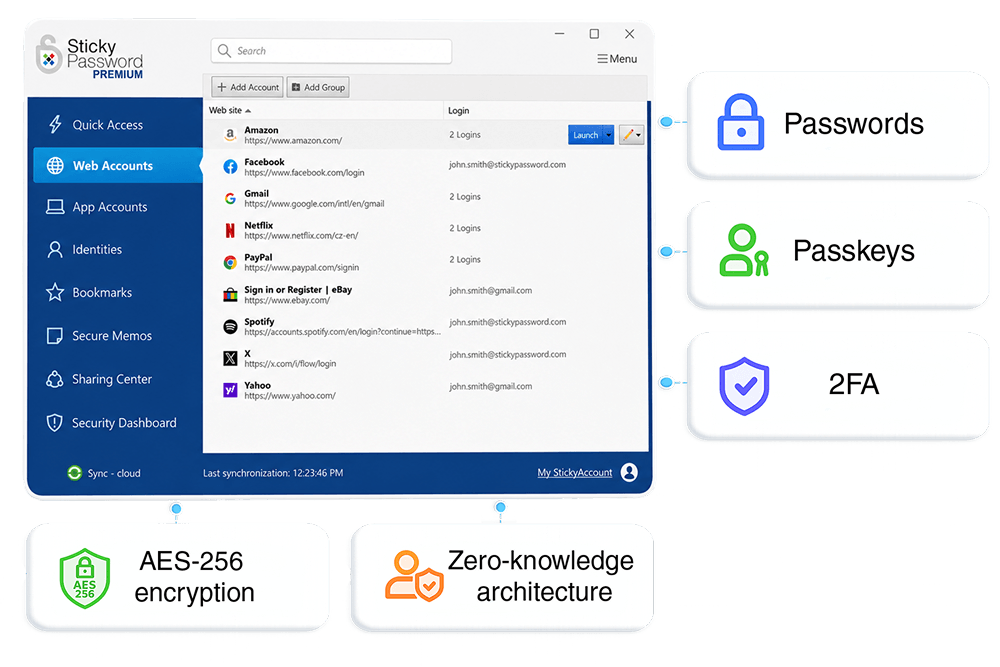
Our zero-knowledge security architecture encrypts your data before it leaves your device, helping keep passwords, passkeys, and sensitive information private.
-

Based on 10.1K reviews of our Android app.

-

“For me Sticky Password is the most useful password software I have ever used. And I have tested nearly all of the managers that are around.” Sebastian Claus
-
“I like this software very much. It's very easy to use, with a small footprint, and it’s very useful for password protection. It provides all the privacy we need — I love Sticky Password!” Abdul Wahab
-
“I’ve tried lots of managers and Sticky Password is the most intuitive program of its kind.” Pat Ferdinandi
What zero-knowledge security means
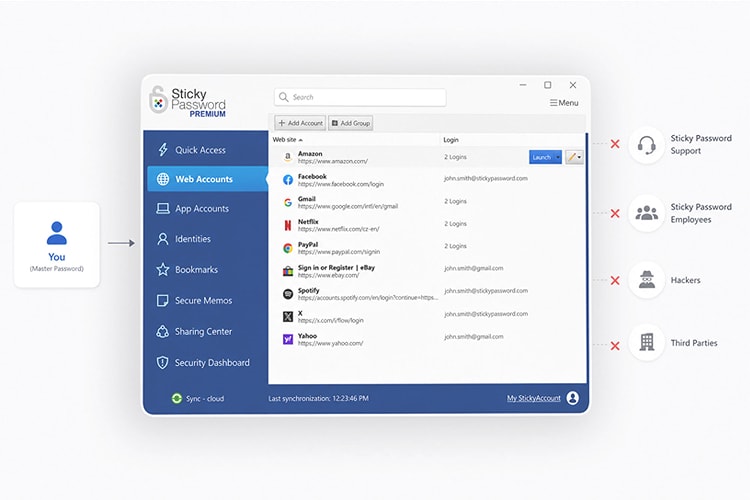
Zero-knowledge security means that only you can unlock your encrypted vault. Sticky Password, cloud providers, and other third parties do not have the information needed to decrypt your data.

Encryption and local data protection
Sticky Password uses industry-standard AES-256 encryption to keep stored credentials and sensitive data unreadable to unauthorized users.
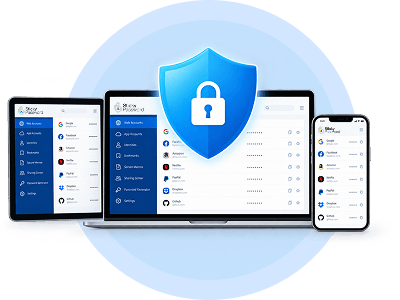

Your data is encrypted before storage
Passwords, passkeys, payment details, and other sensitive information are encrypted before they are stored inside your vault.
This keeps your data protected even if a device or synchronized storage location is compromised.

Additional protection through authentication when logging in
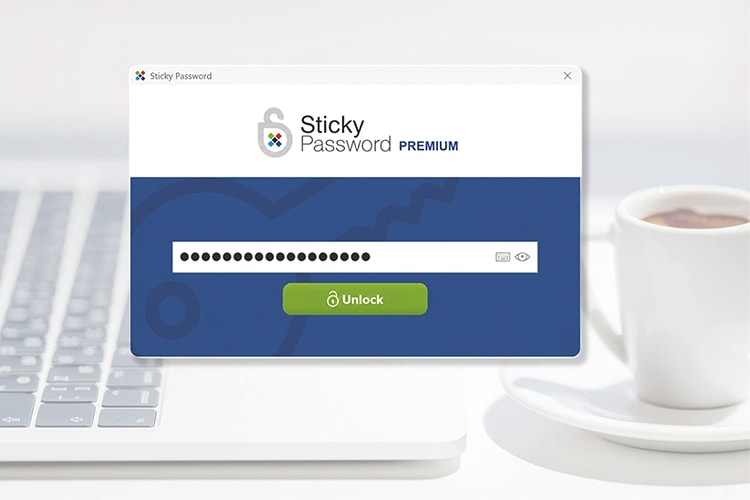
Biometric authentication lets you unlock your vault without repeatedly typing your Master Password, reducing how often it could be seen or captured when you enter it.
And with two-factor authentication enabled, someone who obtains your Master Password still needs the second authentication factor to access your vault.
Cloud sync or local Wi-Fi sync — your choice
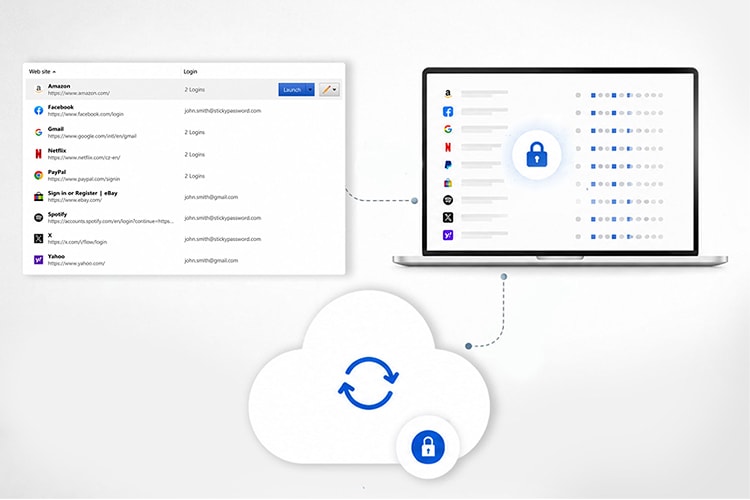
Sticky Password gives you flexibility in how your encrypted data is shared across devices. Choose secure cloud synchronization, local Wi-Fi sync within your network, or store your data only on your device.
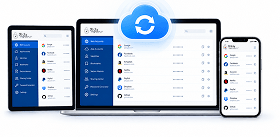
Secure cloud synchronization
Cloud sync automatically keeps your vault up to date across your authorized devices. It also keeps an encrypted copy of your data in the cloud, so you can restore it if a device is lost, damaged, or fails.
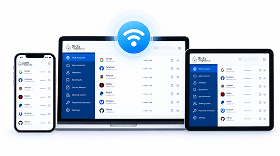
Local Wi-Fi synchronization
Devices connected to the same network can synchronize data directly without relying on external cloud storage.
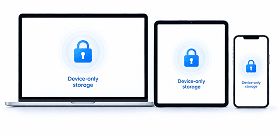
Device-only storage
For users who prefer not to synchronize sensitive data, Sticky Password can also be used entirely offline with data stored only on the device.
How Sticky Password helps protect against modern threats
Modern cybersecurity threats often rely on compromised credentials, phishing attacks, and poor password habits. Built-in tools and protective features help reduce the risk of unauthorized access, compromised accounts, and credential-based attacks.
-

Protection against phishing attacks
Autofill helps reduce the risk of entering passwords on fake or deceptive websites by matching credentials only with recognized login pages.
-

Reduce the risks of password reuse
Using a different password for every account helps reduce the impact of data breaches and credential stuffing attacks caused by reused credentials.
-
Stronger passwords with less effort
The built-in password generator creates long and difficult-to-guess combinations of letters, numbers, and symbols designed to improve account protection and resist automated attacks.
-

Monitor exposed credentials
The Dark Web Monitoring feature alerts you if your stored logins and passwords appear in known data breaches, giving you an opportunity to secure affected accounts before they can be abused.
Passwords, Passkeys, and the Future of Authentication
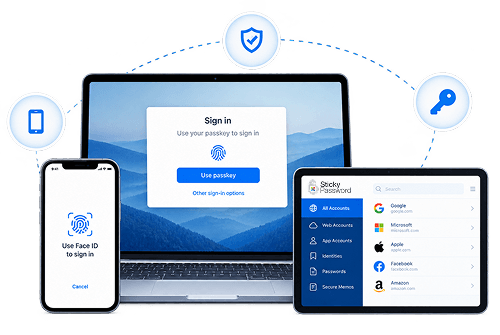
Passkeys are becoming an increasingly important part of online security, offering phishing-resistant authentication designed to reduce reliance on traditional passwords.
-

Passwords are still widely used
Most websites and online services still rely on traditional authentication, which means strong password management remains an important part of everyday account security.
-
Passkeys help reduce phishing risks
Unlike traditional login methods, passkeys are designed to work only with the legitimate website or application they were created for, helping reduce the risk of phishing attacks and credential theft.
-

Managing authentication for the future
Passwords and passkeys will continue to coexist for the foreseeable future. Sticky Password helps you manage both as authentication evolves.

 Security White Paper