
Contactless Connect
Passkeys: Simpler,
Safer Sign-Ins
Passkeys make logging in faster, safer, and easier—no typing, no remembering, no phishing. Sticky Password brings this new technology into your trusted password manager, giving you a smooth path to the future of authentication.
-

Based on 10.1K reviews of our Android app.

-

“For me Sticky Password is the most useful password software I have ever used. And I have tested nearly all of the managers that are around.” Sebastian Claus
-
“I like this software very much. It's very easy to use, with a small footprint, and it’s very useful for password protection. It provides all the privacy we need — I love Sticky Password!” Abdul Wahab
-
“I’ve tried lots of managers and Sticky Password is the most intuitive program of its kind.” Pat Ferdinandi
What Are Passkeys?
Passkeys are a passwordless way to sign in. For each website, a unique pair of keys is created: the site stores the public key, while the private key stays in your password manager and can be used only after you unlock it with Face ID, a fingerprint, or a PIN. Since no password is typed or shared, passkeys reduce risks like phishing and password reuse and make sign-ins faster across your devices.
Innovation that feels familiar
Sticky Password has always been about simplifying your digital life while keeping it safe.
By adding passkey support, we’re expanding the ways you can sign in securely—without changing how you already work. You get the convenience of passkeys, while continuing to manage all your passwords and logins in one familiar, trusted place.
- No passwords to type or remember
- Resistant to phishing and data breaches
- Seamless sign-ins across devices that support passkeys
Passkeys and Passwords: Working Together
Passkeys add to your security options—they don’t replace passwords (at least not yet).
Not every website or service supports passkeys today, and that’s okay. In fact, it will take some time for most sites to add passkeys as authentication for their websites and services. And even then, they will likely support both passwords and passkeys for a considerable time. And that is why Sticky Password lets you manage both passkeys and passwords side by side, giving you flexibility and control.
- Use passkeys where supported
- Continue using passwords everywhere else
- Switch smoothly when the web is ready
Use of passkeys will increase in the future—and your passwords will continue to be safe as long as you will need them.
What Passkeys Mean for You —
and How Sticky Password Helps
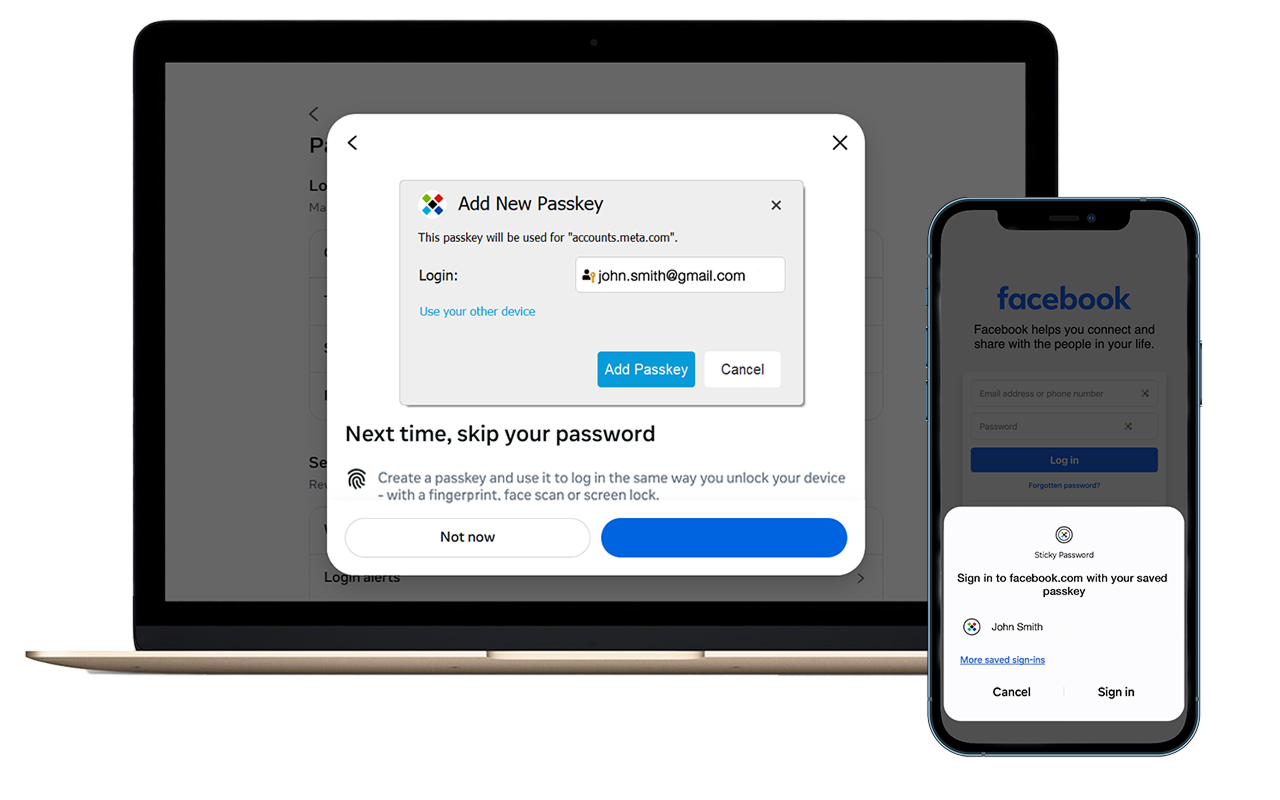
When a website or app supports passkeys, Sticky Password can store a passkey securely in your encrypted vault alongside your existing login — so it’s always protected and easy to manage.
When you revisit the site, Sticky Password uses the saved passkey to log you in instantly. You’ll just verify your identity on your device — with Face ID, your fingerprint, or a PIN.
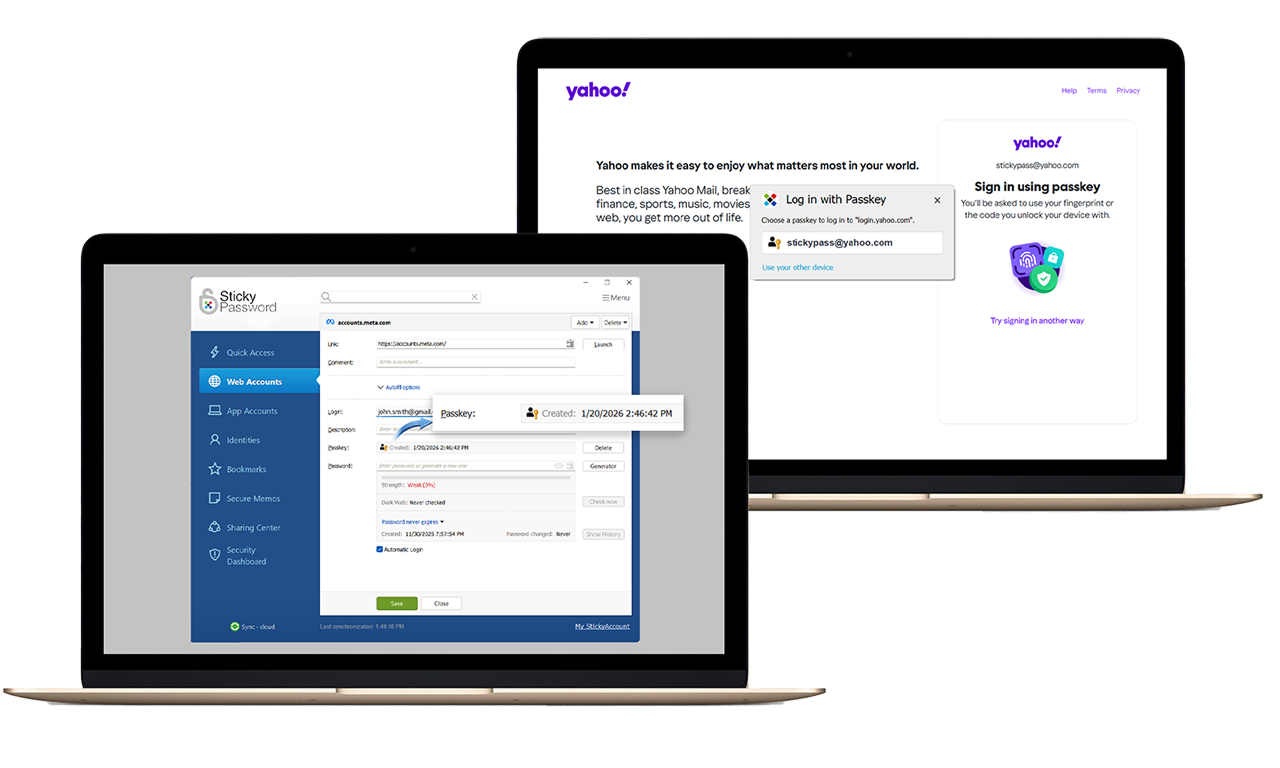
What are the benefits of passkeys
- Fast, one-tap sign-ins — no typing or remembering
- Strong protection against phishing and data breaches
- Seamless use across supported devices and browsers
- All your credentials — passwords and passkeys — secured in one place
Your passkeys are encrypted, protected, and always under your control.


Coverage and Compatibility
- Works with major browsers and devices that support FIDO2/WebAuthn
- Expanding support as more sites adopt passkeys
- Always backward-compatible with existing password logins
Security and Privacy
- Built on open security standards (FIDO2, WebAuthn)
- Private keys never leave your devices or your Sticky Password vault
- Protected by the same zero-knowledge encryption you already trust
