
Contactless Connect
How to Import Your Exported Data into Sticky Password on Windows
Windows
This article explains how to import data from previously exported files into Sticky Password.
-
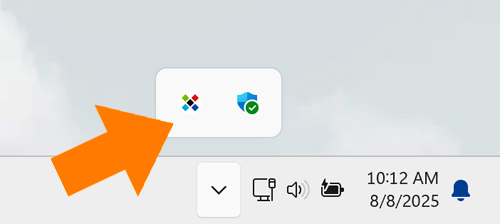
Click the Sticky Password icon in the notification area to open the application.
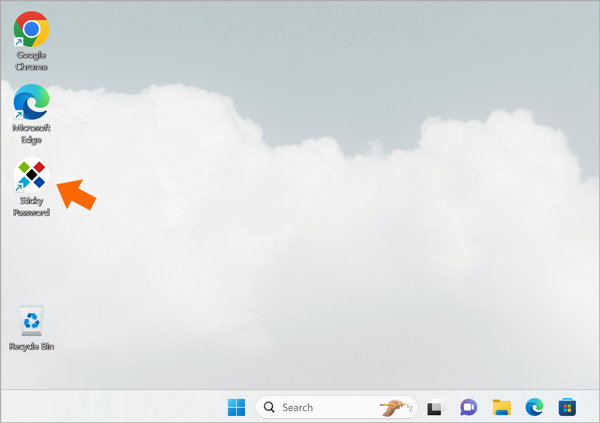
Or, double click on its icon on your desktop.
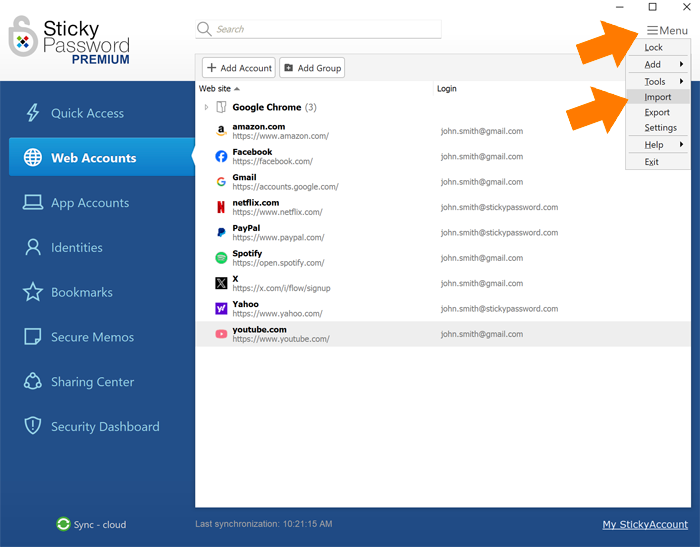
- Click Menu in the top right corner and select Import.
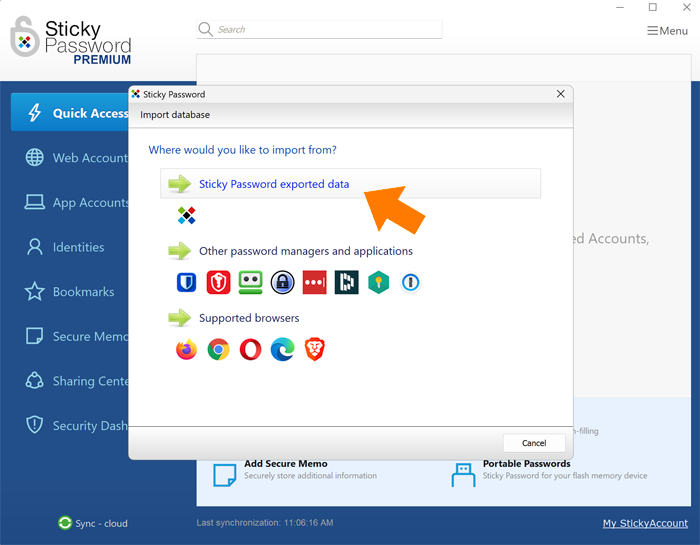
- Select Sticky Password exported data.
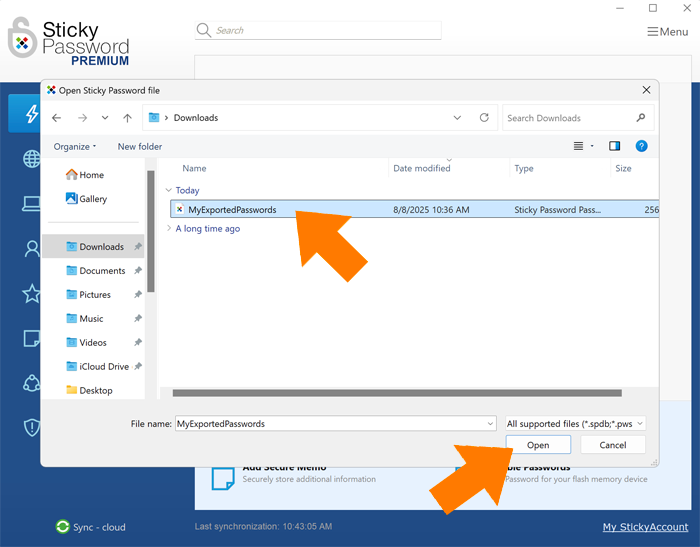
- Select the file you want to import and click Open.
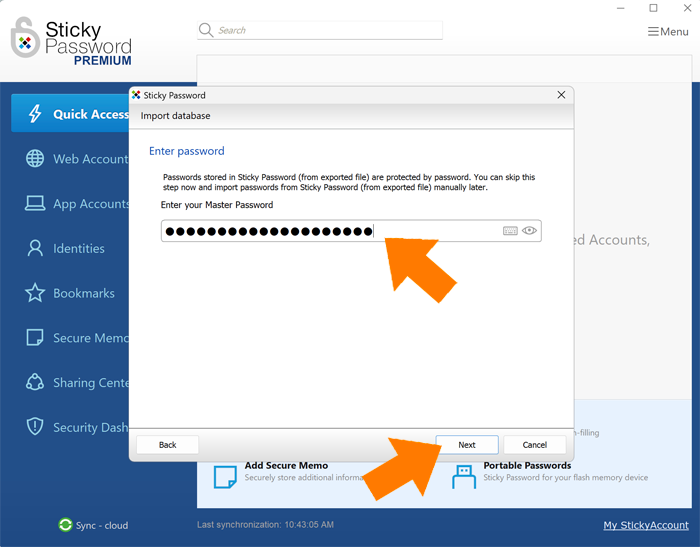
- When you created the export file, you were asked to set a password to protect it. In this step, enter that password when prompted, then click Next.
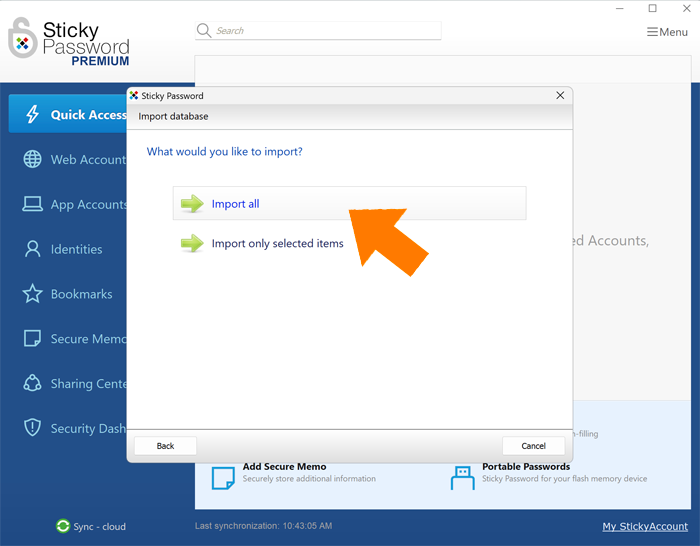
- Depending on your needs, select either Import All or Import Only Selected Items.
In this example, we’re selecting Import All.
- You’ll see a confirmation that the data import (either all items or only the selected ones) has been successfully completed. Click Close to finish.
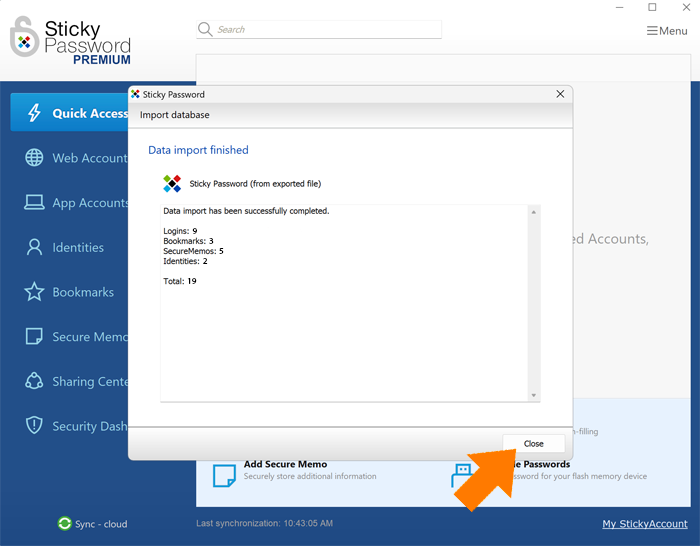
All done! Your passwords have been securely imported into Sticky Password.
How can we improve the answer?
Send feedbackThank you!
Thank you! We will do our best to make this answer better.
An error has occurred. We apologize for the inconvenience. Please try again.